
By
Tim
Metz
on
May 12, 2026
Lifeline 1.9 introduces the Sign Off Challenge: a daily commitment ritual that helps you stop work on time. Plus phone notifications, click-to-edit activities, a new Privacy pane, and a fully editable Activity Log from 1.8.1 and 1.8.2.
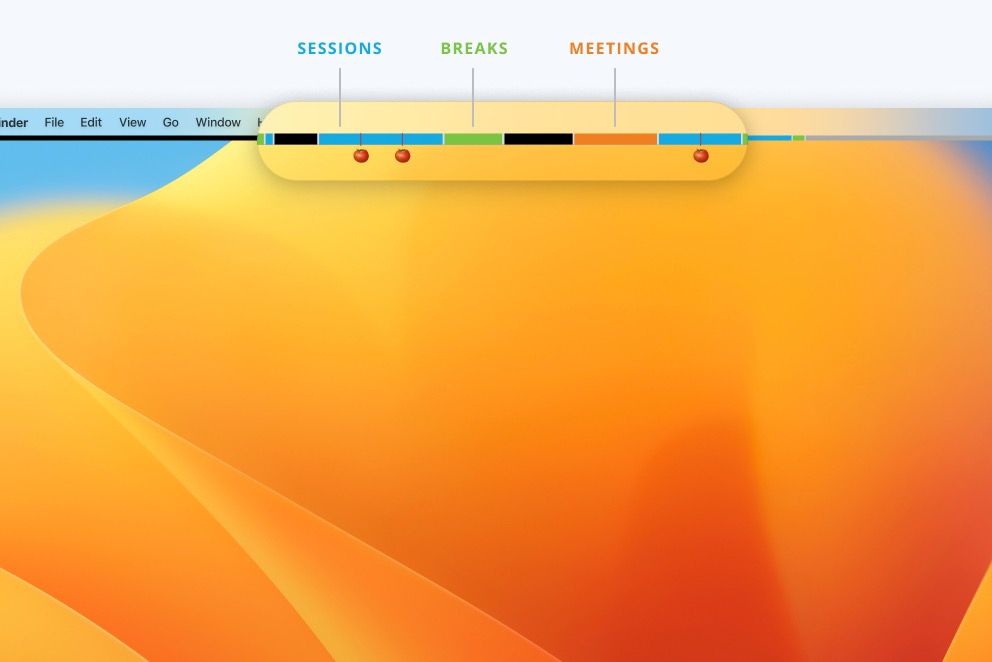
Lifeline 1.9 is live in the App Store. Below is what's new, plus everything from 1.8.1 and 1.8.2, which shipped quietly over the past weeks.
Ever meant to stop work at 6 o'clock but ended up shutting things down at 9? The Sign Off Challenge is here to fix that.
At the start of your day, Lifeline asks you to lock in a stop time. As the time approaches, the day bar fills with magenta and a countdown badge tells you how much you have left. Warnings pop at ten minutes out, at stop, and one minute before lock. Then, at your stop time plus a grace period you set, Lifeline takes over the entire screen.
The lock survives restart and sleep. It stays in place until your configured release time the next morning. You can dismiss the dialog, but the screen stays blocked. The only way out is macOS Force Quit, which is the point: technically possible, but you have to mean it.
Turn on the morning prompt in Preferences > Sign off, or set today's stop time from the menu bar tray.
1.8.1 added push notifications to your phone when your break ends, via the free ntfy service. You'll find it in Preferences > Integrations.
The same release also made activity segments click-to-edit (no more right-clicking to fix a session label) and added four new AppleScript commands: edit, add, and delete activities programmatically.
1.8.2 brought a new Privacy pane in Preferences with three controls: an analytics opt-out toggle, a button to clear your activity history, and a reset for your anonymous ID.
The Activity Log also became fully editable, so you can adjust time boundaries or delete rows directly. Behind the scenes, we replaced a long-unmaintained timer library with a thinner native wrapper across the codebase. Less code, fewer surprises.
Lifeline 1.9 is a free update. We'd love to hear how the Sign Off Challenge is working for you. Send an email or find us on LinkedIn, and let us know your thoughts, ideas, or any questions.
Try the latest version of Lifeline now from the macOS App Store.
