
By
Tim
Metz
on
May 27, 2026
Sign Off is now on by default for everyone, and it knows about your meetings. Plus a Check for Updates menu item, a popover that doesn't crowd your panels, and a handful of fixes across both releases.
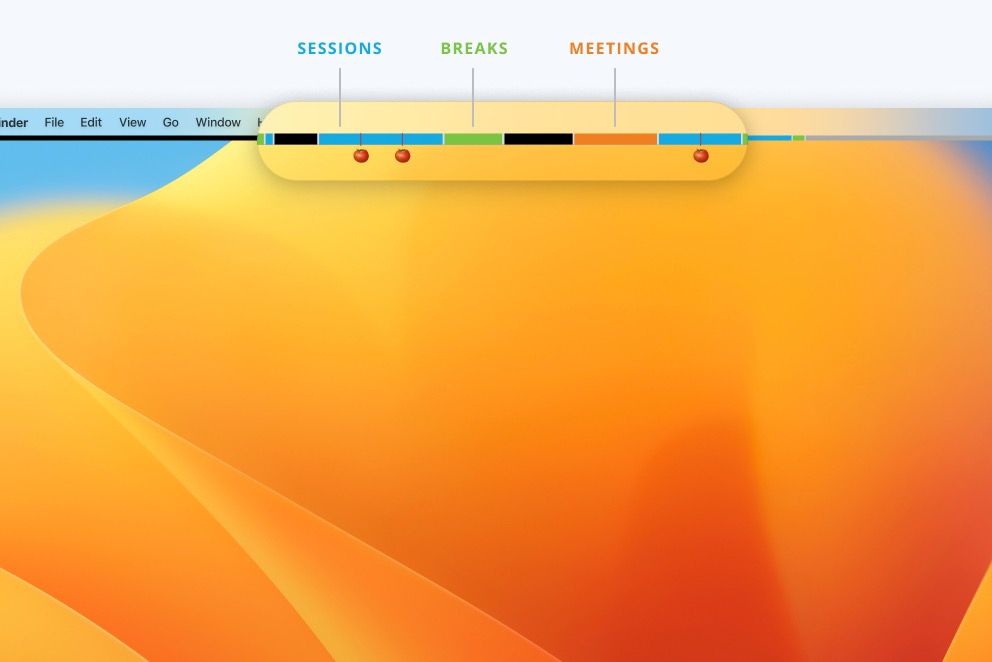
Lifeline 1.9.1 and 1.9.2 are live in the App Store. Both patches refine the Sign Off Challenge introduced in 1.9: making it visible to everyone, and teaching it to play nice with your calendar.
Sign Off shipped in 1.9 as an opt-in feature. The morning prompt and tray menu only appeared if you flipped a toggle in Preferences first. In practice that meant most people never saw the feature.
1.9.1 flips the default. Sign Off is now on for everyone, so the morning prompt asks when you want to stop work, and the menu bar tray shows today's stop time at a glance. If you turned it off at some point, your preference is preserved.
New users get a one-day grace before the morning prompt appears, so the first day with Lifeline is just about getting familiar with the basics. After that, the daily commitment ritual starts.
You can still turn Sign Off off in Preferences > Sign off.
A real scenario that came up after 1.9 shipped: a meeting starts at 8:55, your stop time is set to 9:00, and Sign Off locks the screen five minutes into the call. Force Quit becomes the only escape.
1.9.2 is here to fix that. Sign Off is now meeting-aware.
If a meeting is active when your stop time hits, the lock waits until the meeting ends, plus your usual grace period. If a meeting starts after the lock has already engaged, the lock disengages for the meeting and re-engages once it's over.
The lock screen also previews what's coming. With a meeting starting in twenty minutes, you'll see "Opening at 9:00 for Standup until 9:30" so you know what to expect.
A few details worth knowing:
A handful of other improvements:
add_activity errors no longer swallowed. The MCP tool now propagates errors back to your AI client instead of failing silently.Lifeline 1.9.1 and 1.9.2 are free updates. Update from the Mac App Store, or grab a fresh copy at the App Store listing.
We'd love to hear how the meeting-aware Sign Off is working for you. Send an email or find us on LinkedIn, and let us know your thoughts, ideas, or any questions.
Try the latest version of Lifeline now from the macOS App Store.
